
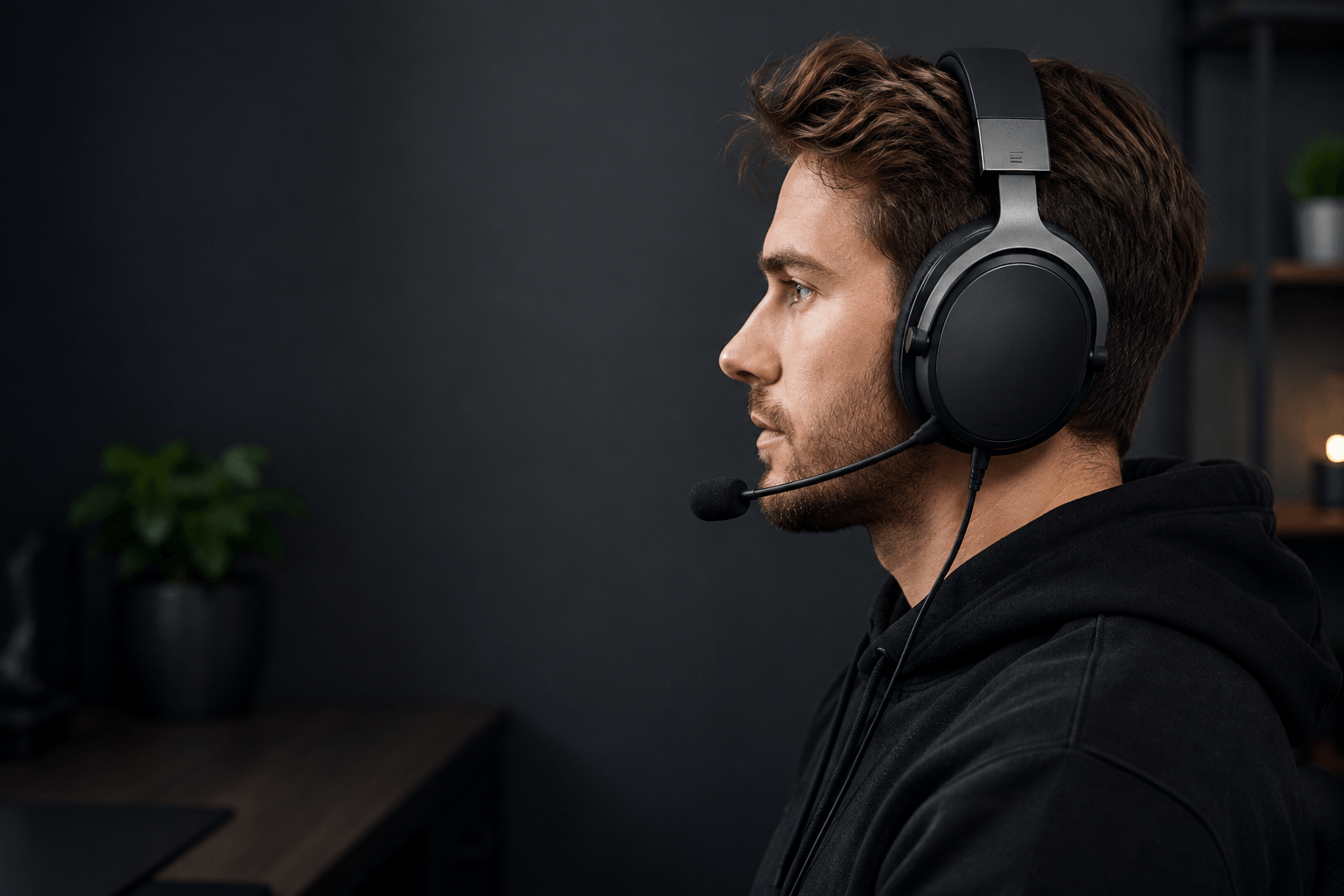
Gaming Headset Fit Guide: Head Size, Comfort & Clamping Force
This gaming headset fit guide explains how head size, clamping force, ear cup space, weight and glasses affect comfort, so you can choose a headset that feels right for long gaming sessions.
Quick fit check
- Headband: supported without a painful hot spot on top of your head.
- Ear cups: your ears should sit naturally inside over-ear pads.
- Clamp: secure without squeezing your temples or jaw.
- Glasses: the pads should not press frames painfully into your head.
- Movement: normal head movement should not make the headset slide.
Gaming Headset Fit Guide: What a Good Fit Should Feel Like
A good headset should stay stable without creating distracting pressure points.
Comfort is not determined by one specification. Two headsets with similar weight can feel completely different because the headband, ear pads and clamping force distribute pressure differently.
The goal of this gaming headset fit guide is not to find one universally comfortable model. It is to identify the fit characteristics most likely to work for your head and your gaming habits.
Stable
The headset should stay in roughly the same position when you turn your head, look down or lean forward.
Even pressure
Pressure should be distributed across the headband and ear pads instead of concentrated on one small area.
Enough ear space
Your ears should fit naturally inside the pads without constant contact with the driver housing.
Simple rule: secure is good. Painful is not. A headset does not need aggressive clamping force to fit correctly.
Gaming Headset Fit Guide for Head Size
Head size changes both headband adjustment and how much side pressure a headset creates.
Headset sizing is less standardized than helmet or clothing sizing. Instead of relying only on small, medium or large labels, consider adjustment range together with clamp, ear cup position and overall shape.
A useful gaming headset fit guide should also account for head shape. Two people with a similar circumference can experience different pressure because one head is wider or more rounded than the other.
Smaller heads
- A loose headset may move during gaming.
- Large ear cups can sit too low.
- Minimum headband adjustment becomes important.
- Heavy models can feel unstable if clamp is weak.
Larger heads
- Limited headband extension can create crown pressure.
- Firm clamp can become uncomfortable around the temples.
- Ear pads may compress more than intended.
- Glasses can increase side pressure.
Best approach: use head size as a starting point, then check adjustment range, clamp and ear cup room before deciding.
Clamping Force in a Gaming Headset Fit Guide
Clamping force describes how strongly the ear cups press inward against the sides of your head.
Too little clamp can make a headset unstable. Too much can create pressure around the temples, jaw or behind the ears. The best fit sits between those extremes.
Too loose
The headset slides when you move and needs frequent repositioning.
About right
The pads maintain consistent contact while remaining comfortable over longer sessions.
Too tight
Pressure around your temples or jaw becomes increasingly noticeable the longer you wear it.
If you want to see how comfort is measured in independent headphone testing, read the RTINGS headphone comfort methodology . It is a useful reference alongside this gaming headset fit guide because comfort testing considers physical pressure and weight, not only sound.
Ear Cup Size and Depth
Over-ear headsets are designed to surround the ears, but usable space inside the pads varies considerably.
External ear cup dimensions do not tell the whole story. Thick padding reduces usable interior space, while circular, oval and rectangular openings can fit the same ear differently.
That is why this gaming headset fit guide treats ear cup room separately from head size. A headset can fit your head correctly while still feeling cramped around the ears.
Ear cup too small
- The pads sit partly on your ears.
- The top or bottom of the ear feels compressed.
- Comfort drops quickly during longer sessions.
Ear cup too shallow
- Your ear touches the inner driver cover.
- Pressure develops on the outer ear.
- The headset feels cramped despite a wide opening.
Gaming Headset Fit With Glasses
Glasses create another contact point between the ear pads and your head.
In a gaming headset fit guide, glasses should not be treated as a minor detail. Strong clamping force can push rigid glasses arms into the side of your head and make a comfortable headset painful over time.
What to look for
- Softer ear pads that compress around glasses arms.
- Light or moderate clamping pressure.
- Enough ear cup room to avoid shifting the frames.
- A stable headband that helps carry the headset's weight.
Thin frames are usually easier for ear pads to accommodate than thick, rigid arms. If you wear glasses every day, this should be part of your gaming headset fit guide checklist before you buy.
Weight and Weight Distribution
A lighter headset can help during long sessions, but lower weight does not automatically mean better comfort.
A heavier headset with a wide, supportive headband can sometimes feel better than a lighter model that concentrates pressure on one small spot. Balance matters too: uneven weight can make a headset move even when its total weight is reasonable.
This guide therefore treats weight as one part of comfort rather than the deciding factor. Clamp, padding and balance should be considered together.
For long sessions: compare weight with headband support, clamp and ear pad comfort rather than choosing purely by grams.
Signs Your Gaming Headset Does Not Fit
A poor fit usually reveals itself through pressure, movement or constant readjustment.
- Temple pressure increases as the session continues.
- You develop a hot spot on top of your head.
- The pads sit directly on your ears.
- Your ears touch the inside of the ear cups.
- Your glasses are pushed painfully into your head.
- The headset slides when you look down.
- You need the headband at its absolute adjustment limit.
One small issue does not necessarily make a headset unusable, but several problems together usually mean a different shape or adjustment range would suit you better. Use the checks in this gaming headset fit guide as a practical way to separate minor quirks from a genuinely poor fit.
Recommended Headsets for Fit and Comfort
This gaming headset fit guide is primarily about choosing by fit rather than ranking products, but these four models are useful starting points for different comfort needs.
These are not universal winners. Your head size, platform and comfort preferences can change which option is the better match.
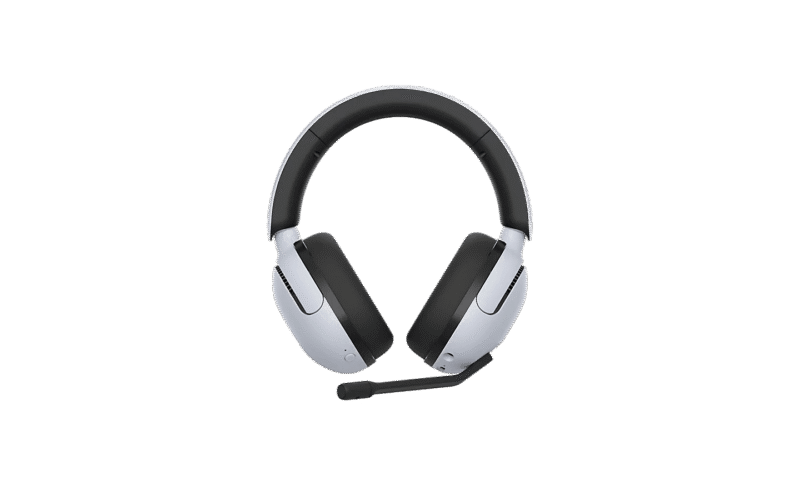
Sony INZONE H5
Why we picked it: Light clamp, spacious ear cups and a long adjustment range make the Sony INZONE H5 one of the safer all-round comfort options.
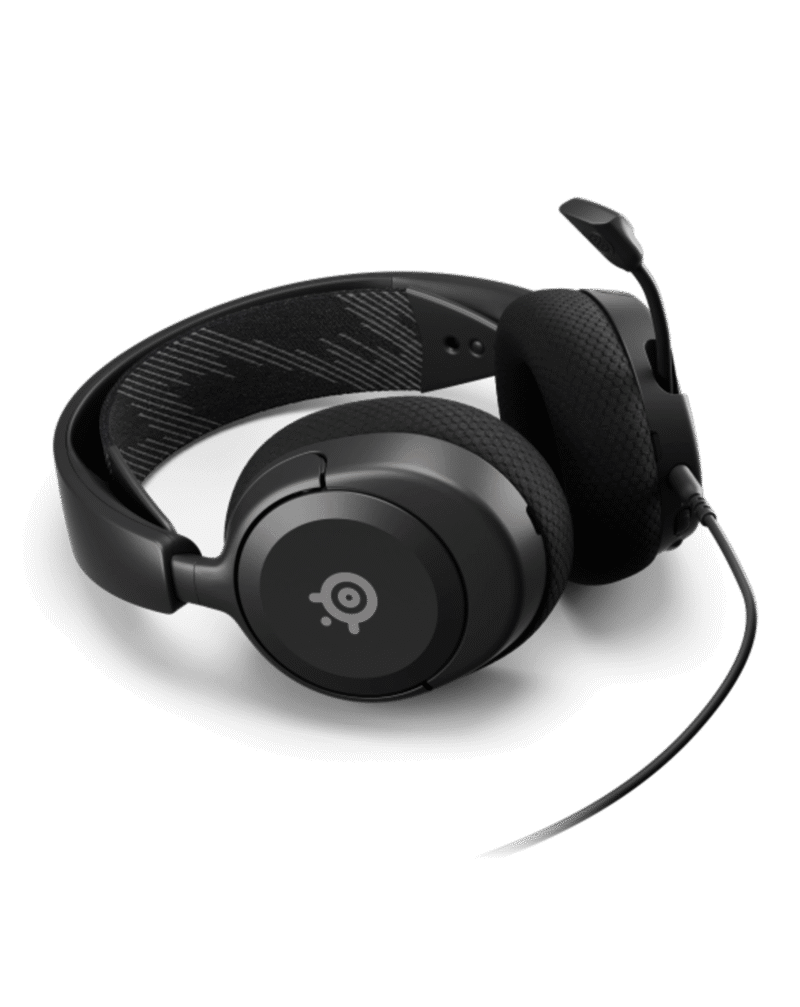
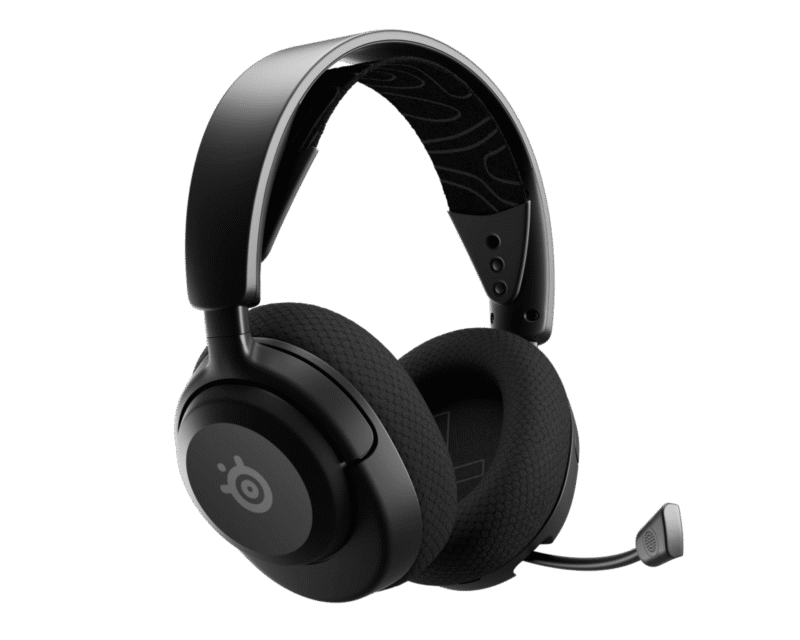
SteelSeries Arctis Nova 1
Why we picked it: At 253 g with light clamping pressure and broad head-size support, the Arctis Nova 1 is a strong lightweight wired option.
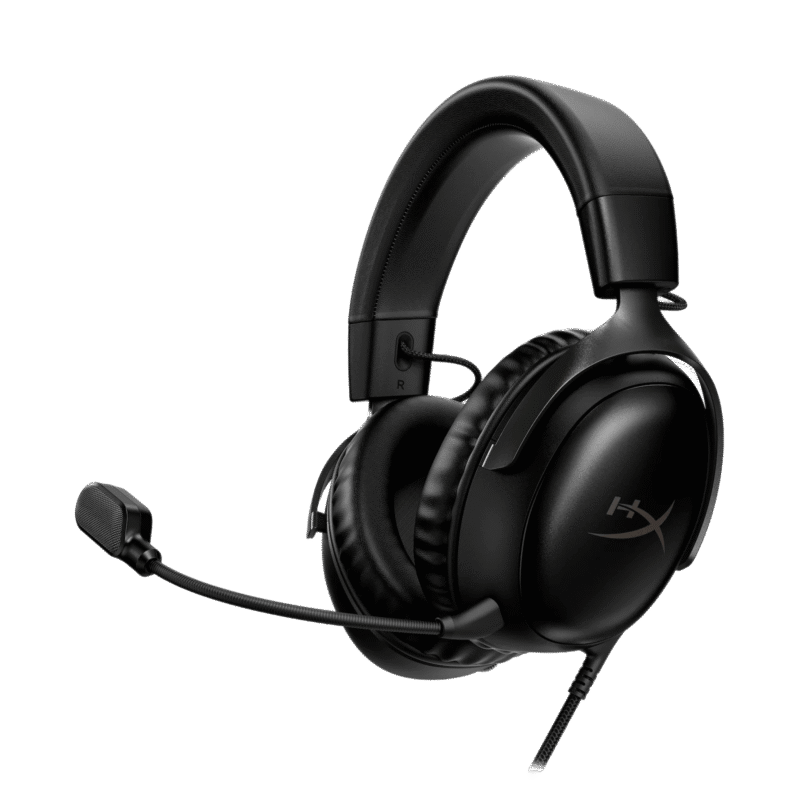
HyperX Cloud III Wired
Why we picked it: Spacious ear cups, light clamping pressure and a long adjustment range make the Cloud III Wired particularly attractive when extra room matters.
SteelSeries Arctis Nova 5X Wireless
Why we picked it: Light clamping pressure, broad head-size support and multi-platform wireless compatibility make the Nova 5X a versatile wireless fit.
Product availability and pricing may change. Current retailer information is shown on each product card when available.
Turn this guide into a personal match
This gaming headset fit guide gives you the principles. The Gripyx Headset Finder applies them to your own head size, platform, connection preference, comfort needs and budget.
Try Headset Finder → Head size + platform + comfort + budget
Gaming Headset Fit Guide FAQ
How tight should a gaming headset be?
It should be tight enough to remain stable but not so tight that it causes pain around your temples, jaw or ears. Light-to-moderate pressure is generally preferable to an aggressive clamp.
How do I know if my headset is too small?
Excessive clamping pressure, maximum headband extension and ear cups that do not sit naturally around your ears are common warning signs.
How do I know if my headset is too large?
A headset may be too large if it stays loose at its smallest adjustment, slides when you move or positions the ear cups too low.
Are gaming headsets comfortable with glasses?
They can be. Softer ear pads, moderate clamping pressure and good headband support generally make it easier for pads to accommodate glasses frames.
Does headset weight matter?
Yes, but weight distribution matters too. A well-balanced headset can feel more comfortable than a lighter model that places most of its pressure on one small area.
Continue From This Gaming Headset Fit Guide
Once you understand the basics, use the fit data to narrow the actual products that make sense for you.
