
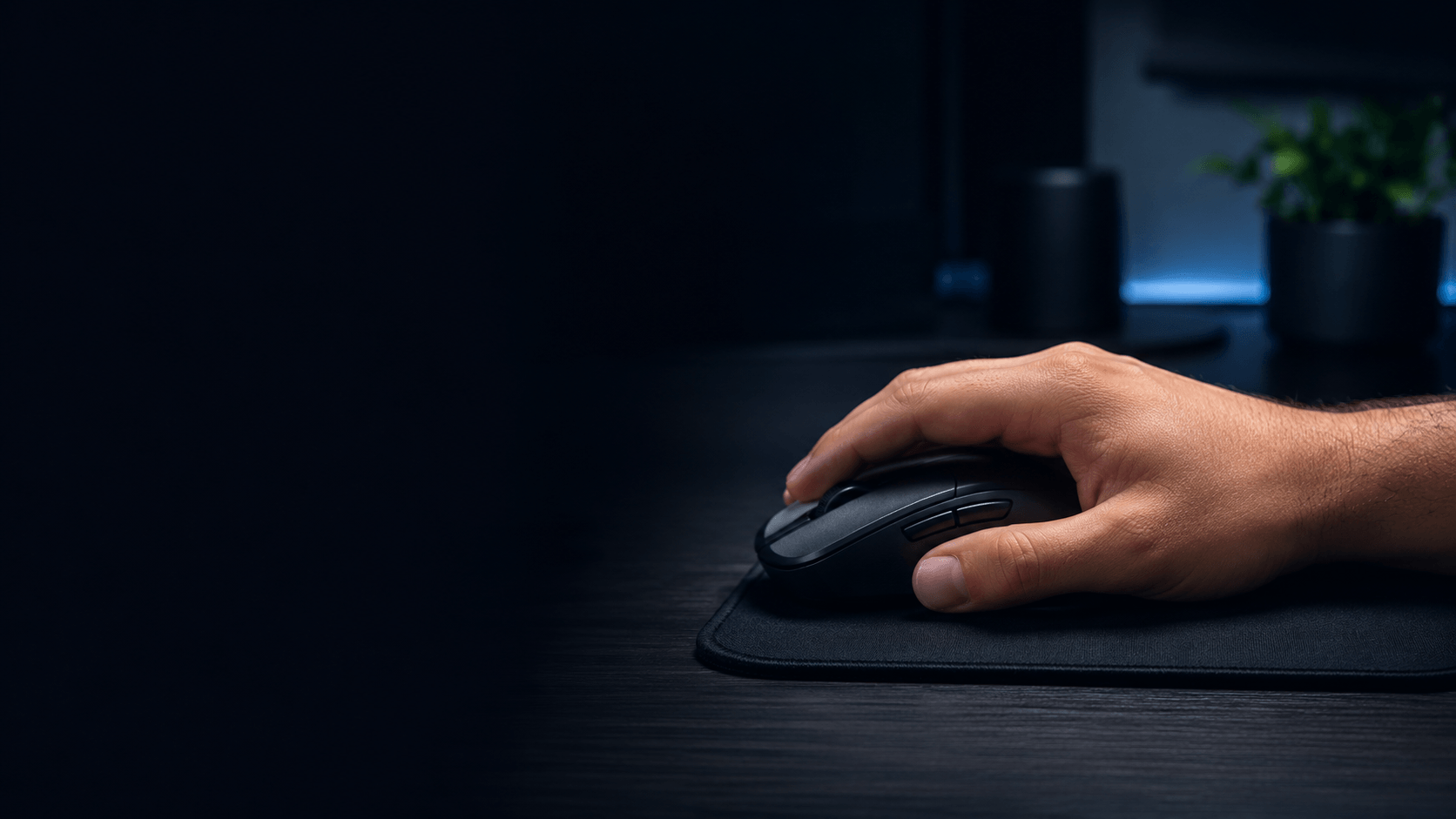
Best Mouse for Palm Grip 2026: 4 Picks That Fit
The best mouse for palm grip should support more of your hand without feeling bulky or slow. We focus on shape, hand-size fit, rear support, weight, and real use case so you can choose a mouse that feels natural for work or gaming.
Quick answer
If you want the best mouse for palm grip without overthinking the shortlist, start with your main use. For most gamers, the Razer DeathAdder V4 Pro is our best overall pick. The Logitech MX Master 3S is the stronger office choice, the ZOWIE EC2-CW is the shape-first gaming option, and the wired DeathAdder V3 gives you a similar ergonomic direction for less.
Not sure which one fits your hand?
Mouse Finder narrows down the best mouse for palm grip using your hand length, primary use, connection preference, weight, brand, and budget.
Find your match Takes about 30 seconds
What matters most for palm grip?
Palm grip creates more hand-to-mouse contact than claw or fingertip grip. Your fingers are usually more relaxed, more of the palm rests on the shell, and the rear of the mouse plays a bigger role in support. That is why the best mouse for palm grip is rarely just the lightest or most expensive model.
Start with fit. A mouse that is too short can leave the rear of your hand unsupported. A shape that is too narrow can make the hand feel pinched, while an oversized shell can make button reach and small corrections feel awkward. The goal is enough contact to feel supported without forcing your hand into the mouse.
Simple rule: hand length chooses the size range; palm grip then pushes you toward fuller support within that range.
Use our mouse size chart if you have not measured your hand yet.
Best Mouse for Palm Grip: Our 4 Picks
We keep this list short on purpose. These four cover the main palm-grip use cases without turning the page into a product catalog.
Razer DeathAdder V4 Pro
Why we picked it: A full ergonomic gaming shape with strong palm support, low weight, and enough speed for competitive play.

Logitech MX Master 3S
Why we picked it: A larger productivity-first shape that gives the hand more support during long office sessions.

BenQ Zowie EC2-CW
Why we picked it: A proven ergonomic gaming shape for players who care more about stable hand contact and control than chasing the lowest possible weight.

Razer DeathAdder V3
Why we picked it: A strong wired option if you want a lightweight ergonomic shell and palm-friendly support without paying for premium wireless.

Four good mice, but which one is right for you?
The best mouse for palm grip changes with hand size and use case. Mouse Finder filters the full product database instead of forcing everyone toward the same model.
Get your match Personalized shortlist
Choose by hand size before brand
Hand length is the fastest way to remove obvious mismatches. As a general starting point, smaller hands usually need a more compact shell, medium hands have the widest safe range, and larger hands normally benefit from more length and rear support. Finding the best mouse for palm grip gets much easier once obviously too-small or too-large shapes are removed. Palm grip makes sizing mistakes especially easy to notice because so much of the hand is resting on the mouse.
Small to medium hands
Do not automatically buy the smallest mouse available. For palm grip, you still need enough length and hump support for the hand to settle naturally. If your hand is genuinely small, see our small-hand palm grip guide.
Medium to large hands
Fuller ergonomic shapes become easier to use as hand length increases. This is where models such as the DeathAdder family tend to make more sense, provided the buttons remain easy to reach and the rear support feels natural.
If you are between sizes, do not chase a perfect number. The best mouse for palm grip should let your fingers reach the main buttons without stretching while keeping the base of the palm supported. That real hand position matters more than a few millimeters on a spec sheet.
Gaming vs office palm grip
The same grip can lead to very different recommendations. For gaming, lower weight and easier repositioning usually matter more. For office work, extra mass can be acceptable if the shape gives better support, useful controls, and a relaxed hand position over long sessions.
That is why our best mouse for palm grip list includes both gaming and productivity options. The DeathAdder V4 Pro is built around fast movement and a lighter ergonomic shell, while the MX Master 3S prioritizes a planted productivity feel. Neither approach is automatically better; the right choice depends on what you do most.
If gaming is your main use and you play shooters, our palm grip FPS guide goes deeper into weight, control, and faster aim-focused shapes.
Shape matters more than a spec-sheet win
Two mice can have similar dimensions and still feel different because the hump, sides, button height, and rear flare are shaped differently.
Look for support, not maximum size
A larger mouse is not automatically the best mouse for palm grip. You want the shell to fill the hand where support is useful, while still leaving your fingers relaxed and your wrist free to move.
Compare the actual shell
If two models look close on paper, use 3D Mouse Shape Compare to inspect their shells from the top, side, and front before choosing.
Common palm grip buying mistakes
- Choosing by brand first: a familiar logo does not fix a shape that is wrong for your hand.
- Going too small for speed: a compact mouse may feel fast but can remove the rear support palm grip depends on.
- Going too large for comfort: oversized shells can make buttons harder to reach and small corrections feel slow.
- Ignoring primary use: the best office mouse and the best competitive gaming mouse can have very different weight and feature priorities.
- Focusing only on weight: low weight is useful for gaming, but fit and shape still decide whether the mouse feels natural.
The best mouse for palm grip is the one that gets the balance right for your hand, not the model that wins the most isolated spec comparisons.
Palm Grip Mouse FAQ
Short answers to the questions that matter before you buy.
What is the best mouse for palm grip overall?
For most gamers, we would start with the Razer DeathAdder V4 Pro because its ergonomic shape gives strong palm support without feeling unusually heavy. Office-first users should look at the Logitech MX Master 3S instead.
Is palm grip good for gaming?
Yes. Palm grip can work very well for gaming when the mouse is sized correctly. A supportive ergonomic shell can feel stable and controlled, while a lighter model helps keep faster movements and resets easier.
Should a palm grip mouse be large?
Not necessarily. Palm grip usually benefits from more support than fingertip grip, but the mouse still has to match your hand length. A mouse that is too large can make button reach and fine control worse.
Is a lightweight mouse better for palm grip?
For gaming, lower weight can make movement easier, but shape should come first. The best mouse for palm grip needs enough rear and side support to keep the hand relaxed before weight becomes the deciding factor.
How do I know if my mouse is too small for palm grip?
Common signs are the rear of your palm losing support, fingers hanging too far over the buttons, or the hand feeling cramped after longer sessions. Measure your hand and compare it with the mouse length before replacing it.
Bottom line
The best mouse for palm grip should feel supportive without making your hand work around the shell. Start with hand size, then choose for gaming or office use, and use weight and connection as secondary filters. For most gamers, the DeathAdder V4 Pro is our strongest all-round starting point; office users should consider the MX Master 3S, shape-first gamers the EC2-CW, and value-focused wired users the DeathAdder V3.
Want a recommendation based on your own hand? Try Mouse Finder.
Affiliate disclosure: Gripyx may earn a commission through links on this page.
